


Android APK Download: How to Get BC Poker Installed Without the Play Store
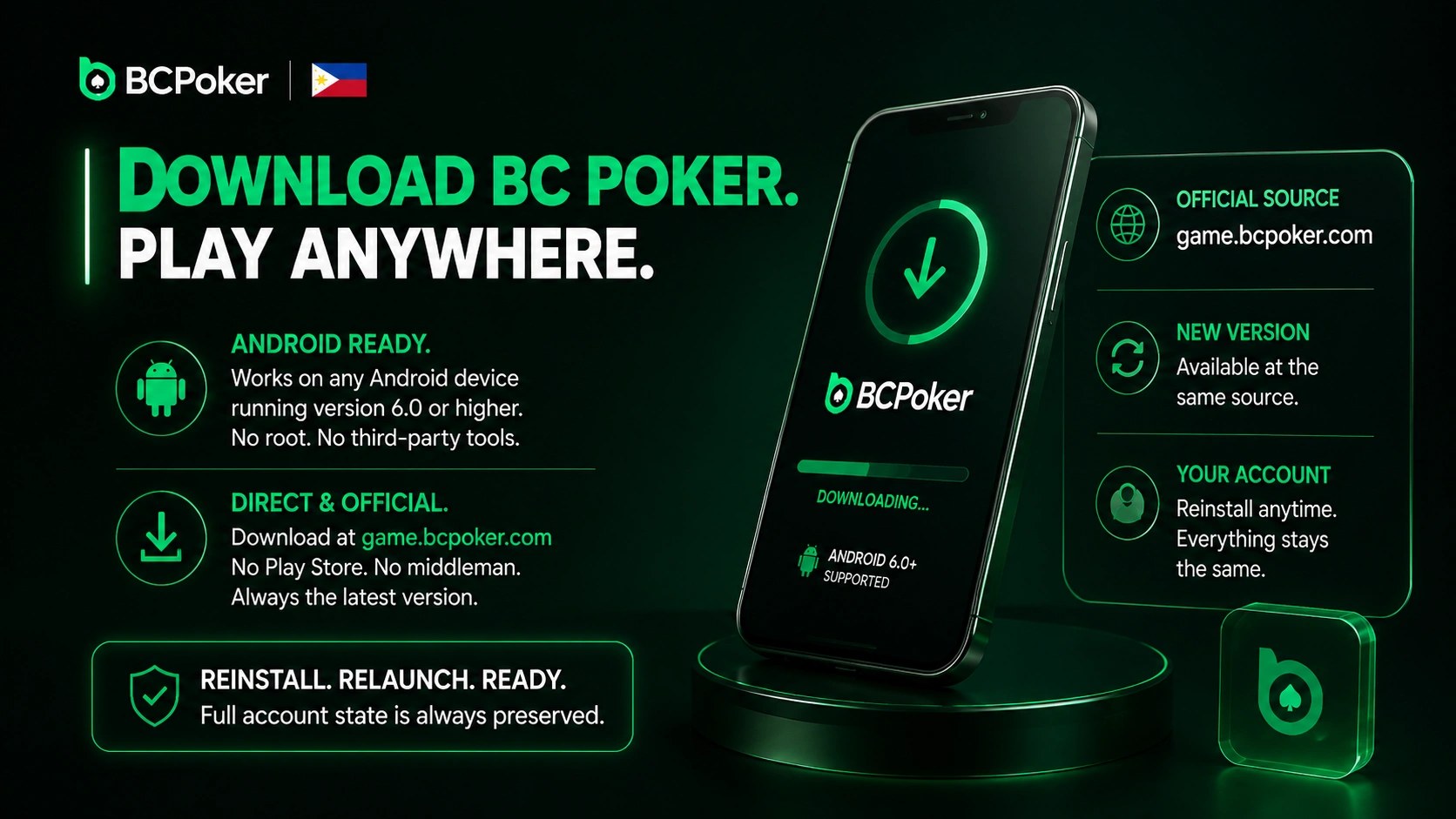
The BC Poker download is available at game.bcpoker.com and works on any Android device running version 6.0 or higher, with no rooted device or third-party tools required. The direct file skips the Play Store entirely – when a new version releases, the updated BC Poker download appears at the same official source and reinstalling preserves the full account state.
To install BC Poker via APK, follow these steps:
- Open game.bcpoker.com in your Android browser and locate the APK download button.
- Go to Settings → Security and enable installation from unknown sources.
- Tap the downloaded file to launch the installer and follow the on-screen prompts.
- Open BCPoker, log in or register a new account, and enter the lobby.
APK vs Google Play: Which Installation Method Works Better for Philippine Players
The BC Poker download via Google Play delivers the client in one tap with automatic future updates, while the APK suits players who want full version control or face regional Play Store restrictions. Both methods produce an identical poker room client – same lobby, same game formats, same VIP tracking, and the same BC Shield protection covering AI behavior detection, liveness verification, emulator blocking, and HUD restriction.
| Parameter | Google Play | Direct APK |
| Cash game stakes range | $0.02/$0.05 – $100/$200 | $0.02/$0.05 – $100/$200 |
| Spin & Go buy-in range | $0.25 – $100 | $0.25 – $100 |
| Max simultaneous tables | 4 | 4 |
| App update method | Automatic | Manual from official site |
| Unknown sources permission required | No | Yes |
Both paths unlock the $130 seven-day welcome gift for mobile-registered players, daily leaderboards paying up to $500, and the $2,000 Lucky Drop for active cash game participants.
BC Poker iOS App: How to Install on iPhone and iPad from the App Store
The BC Poker app for iOS is a native App Store application supporting iOS 13.0 and later across all current iPhone and iPad hardware. There is no alternative iOS installation path – any third-party file claiming to be a BCPoker IPA outside the App Store is unsafe. System updates push new client versions automatically, and the full feature set including cash games, tournament registration, in-app deposits, withdrawals, and KYC is accessible from the first launch.
To install the BC Poker app on iPhone or iPad:
- Open the App Store and search for “BCPoker.”
- Tap Get and authenticate with Face ID, Touch ID, or your Apple ID password.
- Open the client after download and log in or create a new account.
Balance, VIP tier progress, and transaction history sync in real time between the iOS client and any other device sharing the same account credentials.
What Philippine Players Get After Installing the App: Full Lobby and No Restrictions
The BCPoker download gives Filipino players immediate access to No-Limit Hold’em, Pot-Limit Omaha (PLO4 and PLO5), and Short Deck (6+) with no VPN required. The deep buy-in option of up to 400BB generates larger pots than the 100BB standard on most competing platforms, and the $1,000,000 Cash Game Jackpot runs on qualifying tables. The Philippines is not a restricted territory, so all features are available from day one.
| Game Format | Stakes / Buy-in Range | Key Feature |
| NL Hold’em (6-max, 8-max) | $0.02/$0.05 – $100/$200 | Up to 400BB deep buy-in, Bomb Pots |
| PLO4 / PLO5 | $0.02/$0.05 – high stakes | 6-max with antes |
| Short Deck 6+ | Antes $0.02 – $500 | 6-max format |
| MTTs daily | $0.30 – $50 buy-in | ~12 events/day, up to $500 GTD |
| Spin & Go | $0.25 – $100 | Max multiplier up to x100,000 at $5 buy-in |
| All-in-or-Fold Sit & Go | $0.30 – $2.50 | 16-max format |
| BCPoker Apex (monthly) | $50 buy-in | $25,000 GTD, first Saturday of each month |
Cash game rake is a flat 5%, tournament rake is 10% of the buy-in, and the VIP program runs from 10% rakeback at Bronze through 50% at Royal across 18 tiers.
BC Poker App Navigation: Cash Tables, Tournament Lobby and Spin & Go on Mobile
The BC Poker APK and iOS client share an identical lobby with three primary tabs: Cash Game, Tourney, and Spin & Go, each with filters for stake level, game type, and table size. The MTT schedule refreshes in real time with registration windows and prize pool totals visible without entering each tournament individually.
Multi-Tabling on the BC Poker App: Up to Four Tables Open at the Same Time
The BC Poker APK supports up to four simultaneous tables on Android and iOS, each displayed as a separate tab at the top of the screen. A single tap switches the active view while the action timer stays visible across all tabs, and raise, call, and fold controls sit in the lower half of the screen for reliable one-handed play. The layout adapts to portrait and landscape orientation across all supported devices, and opponent notes with per-table chip counts are accessible without navigating away from any active game.
Mobile Payments for Philippine Players: GCash, Maya, USDT and Crypto in the App
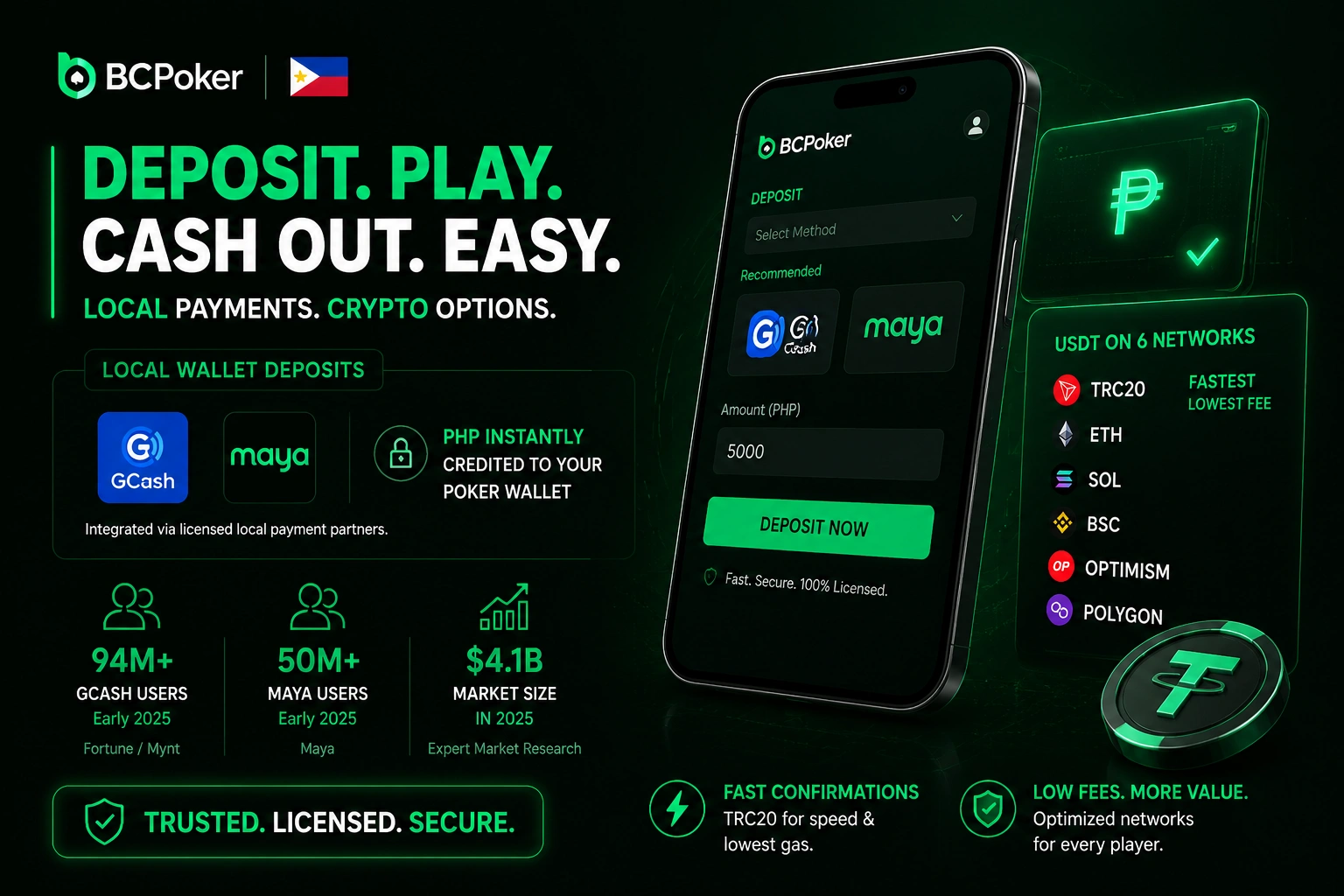
The BC Poker download client integrates GCash and Maya through BCPoker’s licensed local payment partners, with PHP credited to the poker wallet without leaving the client. GCash crossed 94 million registered users in the Philippines as of early 2025 per Fortune/Mynt data, and Maya surpassed 50 million the same year. The Philippines digital wallet market reached $4.1 billion in 2025 at 11.2% CAGR per Expert Market Research. USDT is available across six networks (TRC20, ETH, SOL, BSC, OPTIMISM, POLYGON), with TRC20 offering the fastest confirmation at the lowest gas cost.
| Payment Method | Currency | Min Deposit | Processing Time | Withdrawal Fee |
| GCash | PHP | $5 | Instant | 2% |
| Maya (PayMaya) | PHP | $5 | Instant | 2% |
| USDT TRC20 | USD | $5 | Minutes | Gas fee only |
| BTC / ETH / USDC | USD | $5 | Minutes | Gas fee only |
A deposit delayed past 30 minutes triggers an automatic delay bonus, and any deposit unresolved after 7 days receives full automatic compensation for accounts with completed KYC.
How to Deposit and Withdraw via the BC Poker App in the Philippines: Step by Step
The BC Poker download client processes all deposits and withdrawals directly inside the Wallet section – select GCash, Maya, or a crypto asset and follow the provider instructions. For crypto, a new address is generated per transaction.
To withdraw funds from the BC Poker poker room client:
- Open the Wallet section and select Withdraw.
- Choose fiat via GCash or Maya, or crypto.
- Enter the amount – the minimum withdrawal is $13.
- Complete KYC if this is your first withdrawal.
- Confirm the transaction and wait for processing.
BC Poker App Settings and Account Sync: Interface, Stats and Cross-Device Access
The BC Poker APK and iOS client offer a full table customization panel including table theme, four-color suit display, bet presets, and Auto Top-Up. Basic opponent data – VPIP and PFR – appears by tapping any avatar, and third-party tracking tools are blocked by BC Shield across all sessions. Account-level data including chip balance, VIP tier, and transaction history syncs in real time across Android, iOS, and browser, with two-factor authentication via Google Authenticator available in the security settings.
